
Can I shoot straight with you? The best CRM for a service business is not the one with the longest feature list. It’s the one that stops leads from falling through the cracks. That’s the whole job.
I set up CRMs for service businesses for a living, so I know exactly where the money leaks. The missed call that never got a text back. The estimate request that sat in an inbox for three days. The happy customer nobody asked for a review. Those aren’t software problems. They’re follow-up problems, and a CRM is just the machine that fixes them.
Most articles ranking the best CRM for service business owners are affiliate listicles written by people who have never logged into the tools they’re scoring. So here’s the honest version instead: what your CRM actually needs to do, the real options with real prices, and why we run GoHighLevel for our own business and our clients’.
Everyone Already Owns a CRM. Leads Still Fall Through the Cracks.
Here’s the stat that should change how you shop. Salesforce’s own small business research, built from a survey of 3,350 SMB leaders, found that 92% of small business marketing teams already use a CRM. Ninety-two percent. The software is everywhere.
Same research: 61% of customers say they still feel like just a number.
Let that sink in. Nearly every business owns the tool, and most customers still feel ignored. That gap is the entire story of CRM buying. Owning the software is not the same as having a working system, the same way a gym membership in January is not the same as being in shape by June.
So when you ask “what’s the best CRM for a service business,” you’re asking the second question. The first question is: where are my leads leaking right now? Answer that, and the tool choice gets a whole lot easier.
What a Service Business Actually Needs From a CRM
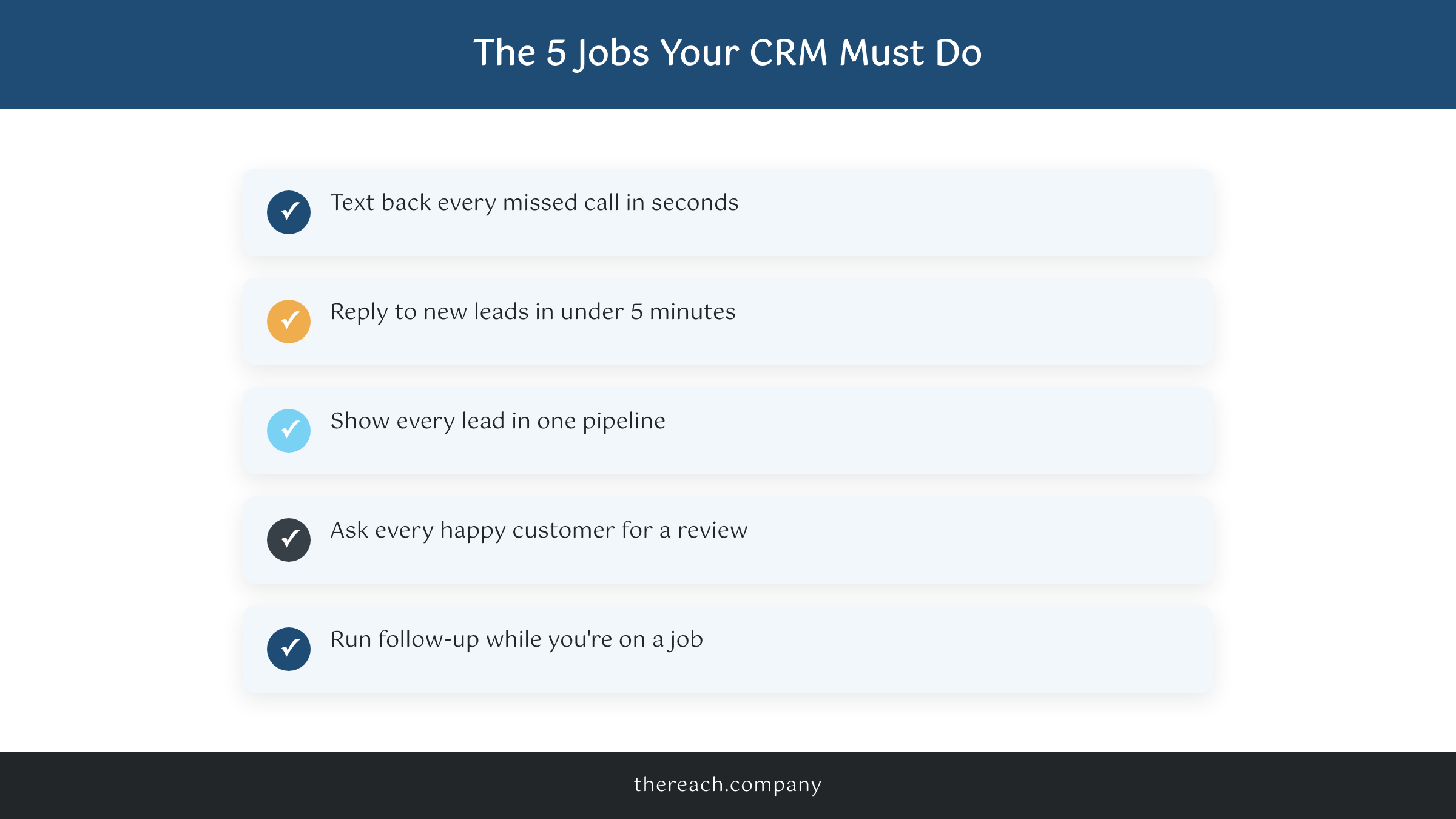
You run a plumbing company, a medspa, a consulting firm, a landscaping crew. You don’t need what a 200-seat software sales team needs. You need five specific jobs done, every day, without you touching anything.
- Text back every missed call. You’re on a roof or in a treatment room. The phone rings, you miss it, and 30 seconds later that homeowner is calling your competitor. A missed-call text-back (“Hey, this is Mike’s Plumbing, sorry we missed you! How can we help?”) keeps the lead alive while you finish the job.
- Reply to new leads in under 5 minutes. Speed is the highest-leverage thing in lead follow-up. The form fill that gets an instant text books. The one that waits until tomorrow doesn’t.
- Show every lead in one pipeline. Calls, website forms, web chat, Facebook messages. One board, one place, so nothing lives in a forgotten inbox.
- Ask every happy customer for a review. Automatically, the day the job closes. Reviews are the fuel for your Google Business Profile, and nobody remembers to ask manually.
- Run follow-up sequences without you. The estimate you sent Tuesday should chase itself on Thursday and again next week. You shouldn’t have to remember.
That’s the list. Notice what’s not on it: 40-field contact records, revenue attribution dashboards, lead scoring algorithms. If a CRM demo spends 20 minutes on features you’ll never open, that’s a tool built for someone else.
The Real Options, From Someone With No Affiliate Links
Nothing below pays me a commission. Here’s the honest lay of the land.
Jobber and Housecall Pro are field-service platforms first and CRMs second. Scheduling, dispatch, invoicing, “on my way” texts: excellent. If your bottleneck is running crews and getting paid, start here. Their marketing follow-up is the weaker half, and you’ll pay roughly $40 to $200 a month depending on team size.
HubSpot has a genuinely free CRM, and for a desk-based business it’s a fine starting point. But it’s built for sales teams that live in email, not owners who live in a truck. The moment you want real automation, the price jumps hard.
Salesforce is the most powerful CRM on the planet, and yes, I just cited their research. Straight talk though: it assumes somebody in your company administers it. Their small business Starter tier runs $25 per user per month, and the real cost shows up in the setup time nobody warns you about.
GoHighLevel is the one we use, so weigh my take accordingly. It’s built around the exact five jobs above: missed-call text-back, SMS and email sequences, one pipeline, review requests, call tracking, unlimited funnels. The honest downsides: raw GoHighLevel is clunky out of the box, the learning curve is real, and support is chat-based. I wrote our full GoHighLevel review with the warts included if you want the deep dive.
Which one wins? It really depends, and anyone who says otherwise is selling you something. If scheduling and invoicing are your bottleneck, Jobber or Housecall Pro will serve you well. If leads are slipping through the cracks (and for most service businesses I audit, that’s the leak), you want the tool built for follow-up.
The Contrarian Truth: The Best CRM Is the One Somebody Actually Sets Up
Here’s the rub. I’ve watched a business owner pay for HubSpot for two years and never build a single automation. I’ve also watched a medspa turn a mid-tier tool into a lead machine because every workflow was wired to their actual business.
The software is maybe 20% of the outcome. The other 80% is setup: connecting your phone number, your website forms, your Google Business Profile, then building the workflows that text back missed calls, chase estimates, and request reviews. A CRM out of the box does nothing. Software doesn’t chase leads. Workflows chase leads.
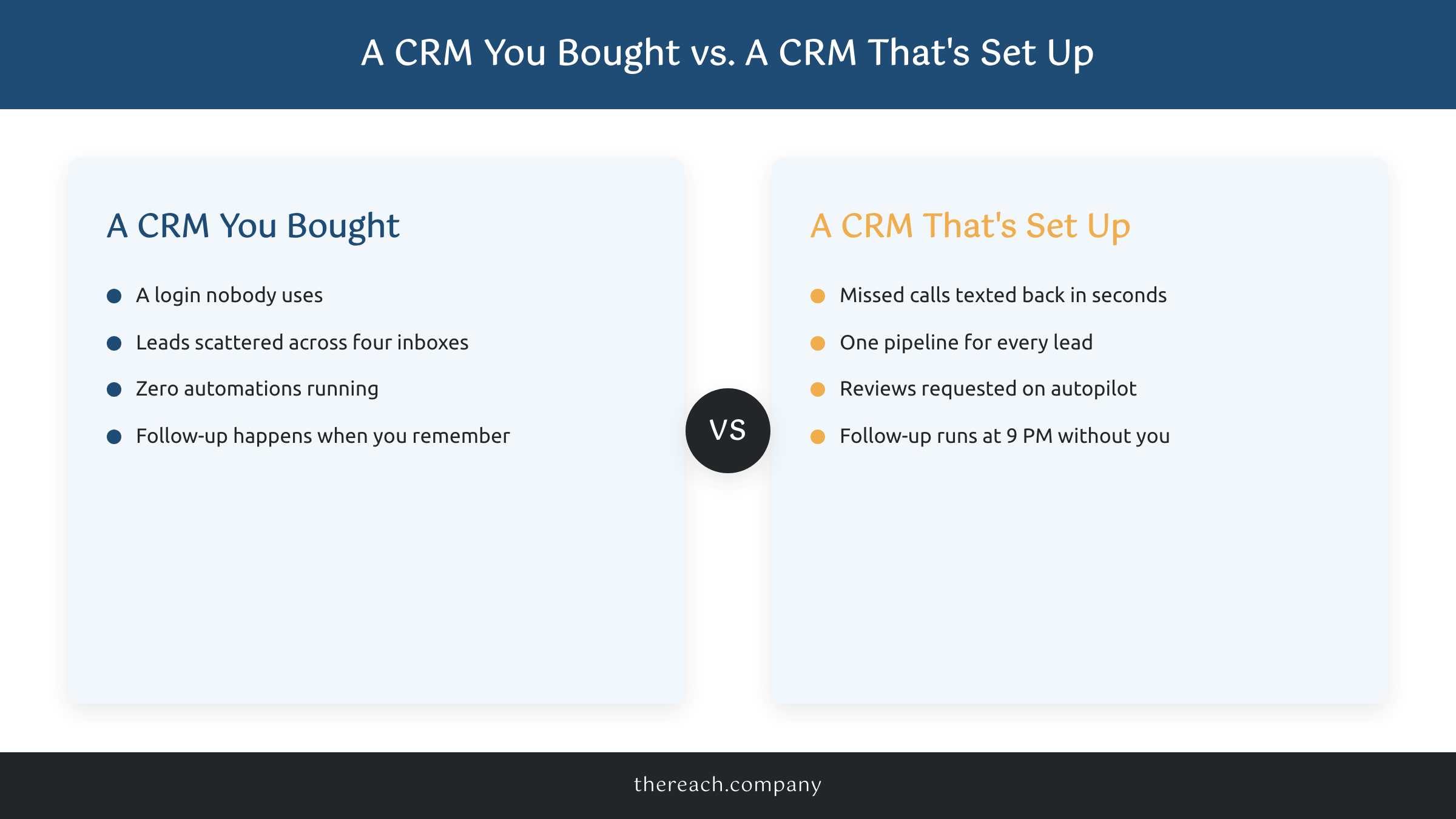
That’s why the “which CRM is best” debate misses the point. An unconfigured Ferrari loses to a well-tuned pickup every single time. Buy whichever tool you want. Just don’t confuse the subscription with the system.
Proof: What a Working CRM Looks Like
Chin Up Aesthetics, a medspa client of ours, pulled 1,928 leads from their website in one year. Every one of those leads landed in one GoHighLevel pipeline. Missed calls got texted back in seconds. Review requests went out automatically, which helped push them to 1st in the Map Pack for more than 8 core services. Same software anyone can buy. The difference was the wiring.
And the Jewish Education Loan Fund has worked with us for about five years now, with a 54% increase in conversions along the way. Not because a CRM is magic. Because follow-up stopped depending on anyone’s memory.
What to Do Before You Buy Anything
Don’t start with a demo. Start with a leak audit. This week, count three numbers: how many calls you missed, how many leads never got a second touch, and how many finished jobs got asked for a review. Those numbers will tell you exactly what to fix, and they’re usually uglier than owners expect.
Then decide who’s doing the wiring. If you’ve got the hours and the patience, pick a tool from the list above and block off real setup time. If you don’t, that’s literally what the lead generation system we build on GoHighLevel is for: we set it up, customize it to how your business actually runs, and it’s $299 a month. The price is public because we think it should be.
Either way, stop shopping for features and start closing cracks. The best CRM for service business owners is the one that answers the lead you would have lost. Get that machine running and the schedule takes care of itself. You got this. And if you want a hand, we got you too.

