

GoHighLevel ships a new AI feature what feels like every month. Conversation AI. Voice AI. Reviews AI. A whole "AI Employee." If you run your business on the platform, the GoHighLevel AI features list is getting long enough to be its own job. We set up GoHighLevel for every client we take on, so here is the honest cut: which features actually save a service business time, and which are mostly hype.
The GoHighLevel AI Features That Actually Save You Time
Three earn their keep, and they all solve the same problem: you cannot answer every lead the second it comes in.
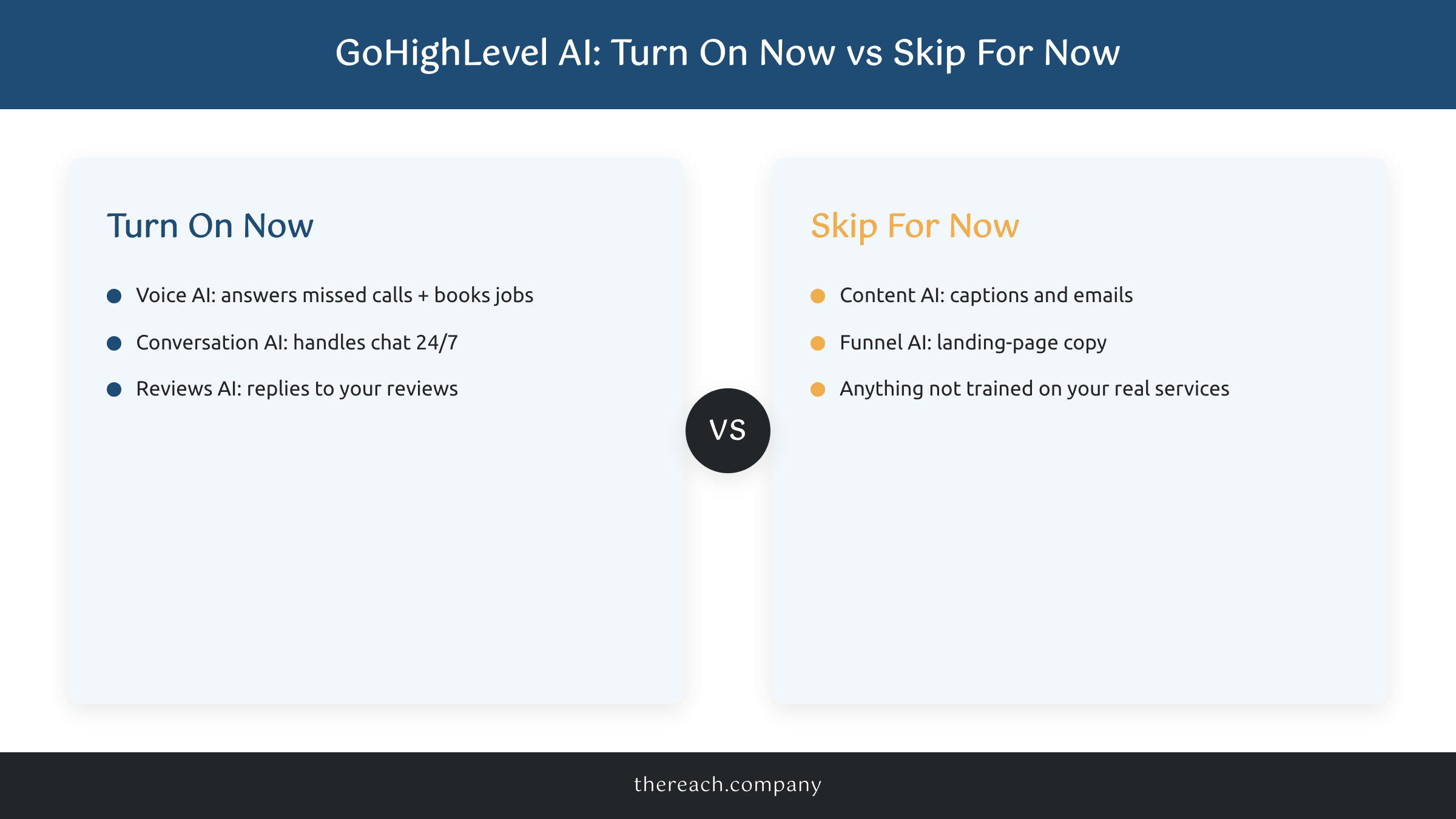
Voice AI is the big one. It answers the calls you would otherwise miss, qualifies the caller, and books the appointment straight onto your calendar. A missed call is a lost job. An AI that picks up at 7pm on a Saturday is found money.
Conversation AI handles chat across your website, SMS, Facebook Messenger, and Instagram DMs. Per GoHighLevel's own AI Employee docs, it learns from your existing site copy and FAQs, answers common questions in your voice, and hands off to a human when it is a real opportunity. For a contractor on a roof all day, that is a lead saved instead of lost. That kind of autonomous decision-making, judging when to answer and when to hand off to a human, is exactly what is agentic AI looks like in practice.
Reviews AI rounds out the useful three. It drafts replies to your Google reviews so you actually respond instead of letting them pile up.
The Ones That Are Mostly Hype (For You)
Not every GoHighLevel AI feature deserves your attention on day one.
Content AI and Funnel AI write captions, emails, and landing-page copy. They are fine. But they do not book work. A service business owner does not have a content problem, they have a "get back to the lead faster" problem. Turning these on first is decorating a house before the front door is even hung.
Here is the rub on all of it: AI is only as good as what you feed it. Conversation AI that has not been trained on your real services and pricing will confidently tell a customer the wrong thing. The GoHighLevel AI features worth your time all touch leads, and they only work once you have set them up right. The tool is leverage, not magic.
How to Actually Turn It On
Start with the two that touch leads. Switch on Voice AI so no call goes unanswered, then Conversation AI so no chat sits overnight. Train both on your actual services, hours, and pricing, not generic defaults. Add Reviews AI once those are humming. Leave Content AI for later, or never.
The AI Employee Unlimited plan runs $97/mo per location for the lead-touching features, which is cheap next to one job you would have missed. It is the same engine behind automating your lead follow-up so nothing falls through the cracks.
If you would rather not wire it up yourself, that is the lead generation system we build on GoHighLevel for clients: the calls answered, the chats handled, the follow-up running while you are on the job. Turn on the two that book work, skip the hype, and let the AI carry the parts you keep dropping. You got this.

