

Meta's AI is happy to spend $1,000 of your money learning what works. Here's how to skip that tuition.
I've audited dozens of small-business Meta Ads accounts in the past year. Roughly 80% of them are donating money to Mark Zuckerberg.
Not because Facebook ads don't work for small businesses. They do – when you put guardrails on them. The problem is that Meta keeps making the platform "easier" by automating more of it, and "easier" in adland almost always translates to "easier to waste money on."
Advantage+ Shopping. Advantage+ App. Advantage+ Audience. Advantage+ Creative. Each of those is an AI feature that promises to optimize your campaign for you. Each of them, on a small budget, will happily spend your first $500–$1,000 "learning" – meaning Meta's algorithm is running experiments on your wallet to figure out who buys and what works.
That's fine if you're a DTC brand spending $20K/month. The learning phase is a rounding error.
If you're a contractor spending $1,500/month? Meta just ate half your quarter on tuition. And you got nothing.
This post is about the three guardrails I put on every small-business Meta Ads account before I let any AI feature touch it – plus the AI tools I layer on top to catch waste before Meta does.
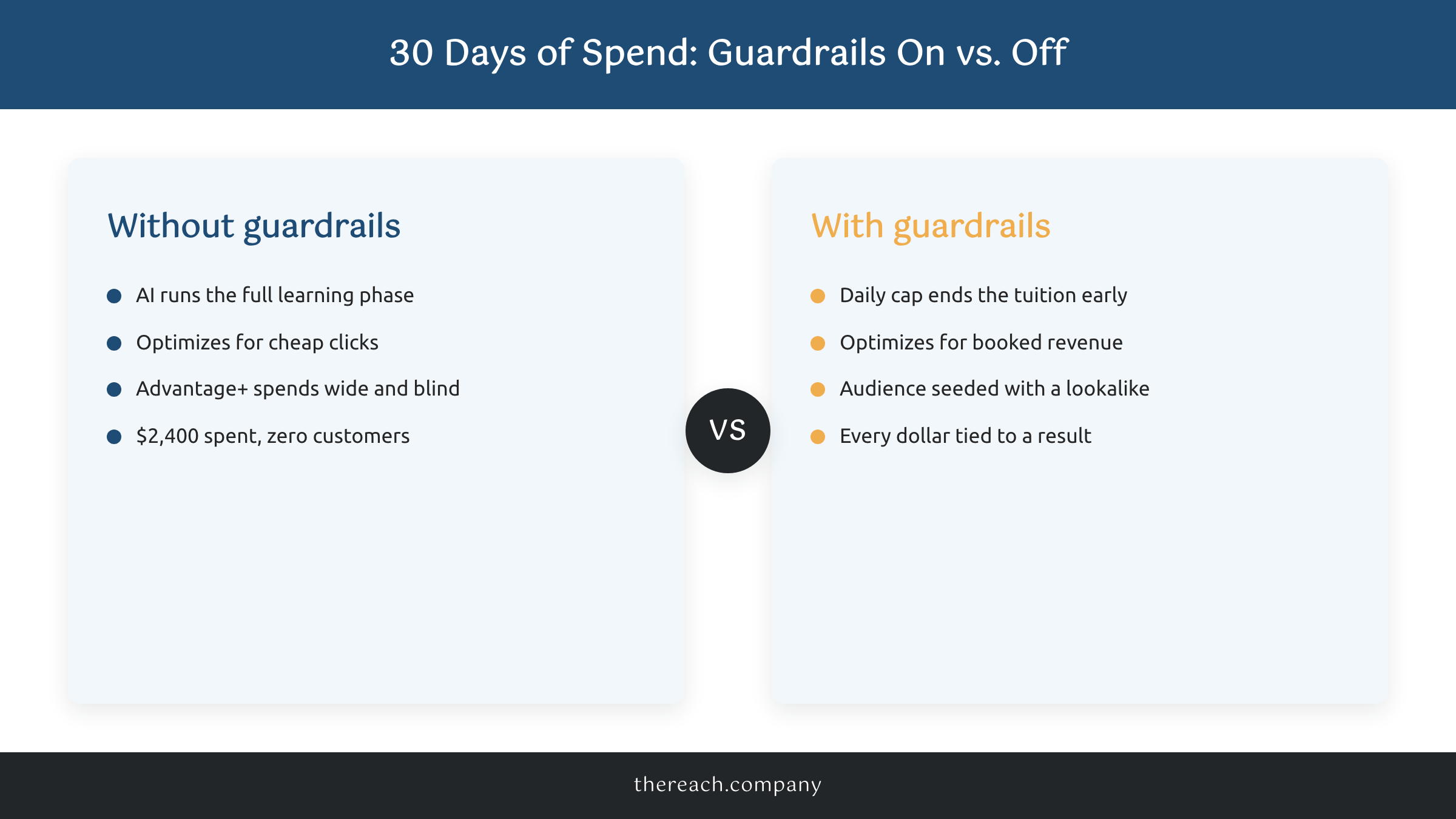
If you've ever finished a month on Facebook Ads with a $2,400 spend report and zero new customers, this is for you.
Guardrail #1: Cap the Learning Phase With a Hard Daily Budget
Meta's "learning phase" is the roughly seven days where the algorithm is figuring out who to show your ad to. The official threshold from Meta is around 50 conversion events before a campaign exits learning.
If you're paying $30 per lead, that's $1,500. Just for Meta to figure out what it's doing.
For most small businesses, that math doesn't work. The fix is to never give Meta enough room to run the learning phase the way it wants to.
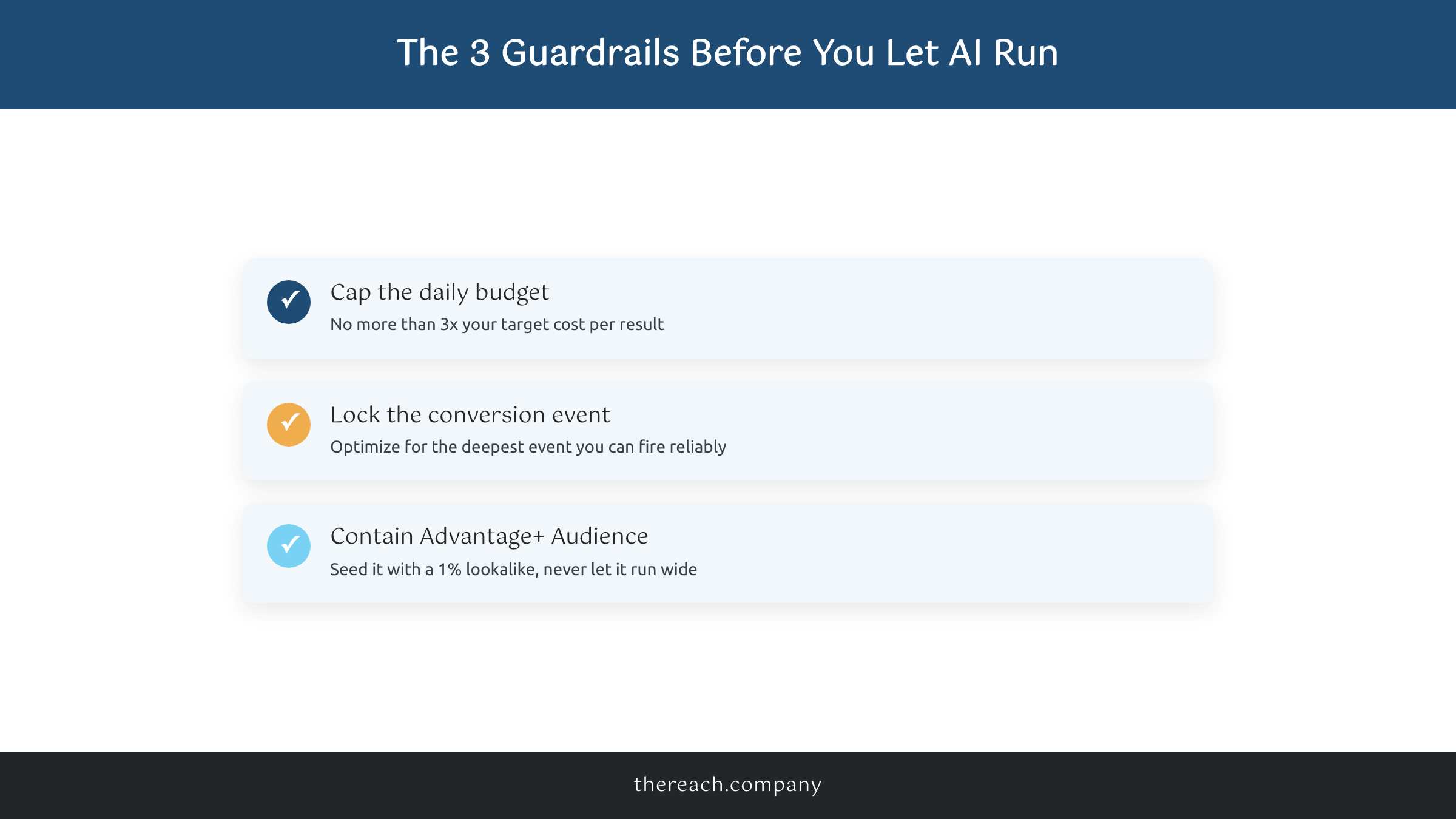
The guardrail: cap your daily budget at no more than 3x your target cost per result. If a $50 booked appointment is your target CPA, your daily budget should not exceed $150 – even if Meta is telling you that you "need more budget for the algorithm to learn."
Meta will always tell you to spend more. That recommendation is not for you. That recommendation is for them.
The second half of this guardrail: set a lifetime budget cap on the ad set, not just a daily one. Most small businesses run on a daily budget and forget that a daily budget runs forever until you turn it off. A lifetime cap is your circuit breaker. If you set it at $600 for a two-week test and the campaign isn't working, it shuts itself off. You don't wake up Monday morning to find Meta spent $4,800 over the weekend on a campaign that wasn't converting.
Guardrail #2: Lock the Conversion Event to Something That Actually Matters
This is where most small-business Meta Ads accounts go sideways.
If you optimize for "Landing Page View," Meta's AI will find you the cheapest people to click your ad. Those people are not your customers. They are clickers. You will pay $0.40 per click and get zero sales.
If you optimize for "Lead" (form submission), Meta's AI will find people who submit forms. Some of those people are real prospects. Many of them are tire-kickers, bots, or people who'll fill out anything for a 10% off code.
If you optimize for "Purchase" or a custom event tied to actual revenue – a booked appointment, a paid deposit, a qualified lead scored in your CRM – Meta's AI starts looking for people who do that thing. That's the audience you want.
The guardrail: never let an AI-driven Meta campaign optimize for anything weaker than the deepest event you can fire reliably. For ecommerce that's Purchase. For a service business that's usually a booked call or a deposit paid. For a local business that's a phone call tracked through CallRail or a form submission scored through Zapier into your CRM.
If you can't fire the deep event reliably – you don't have the pixel set up, your CRM doesn't push events back to Meta – fix that first. Don't run AI ads until you can. You are flying blind otherwise, and Meta's AI will fly blind right alongside you. Confidently. For a thousand bucks.
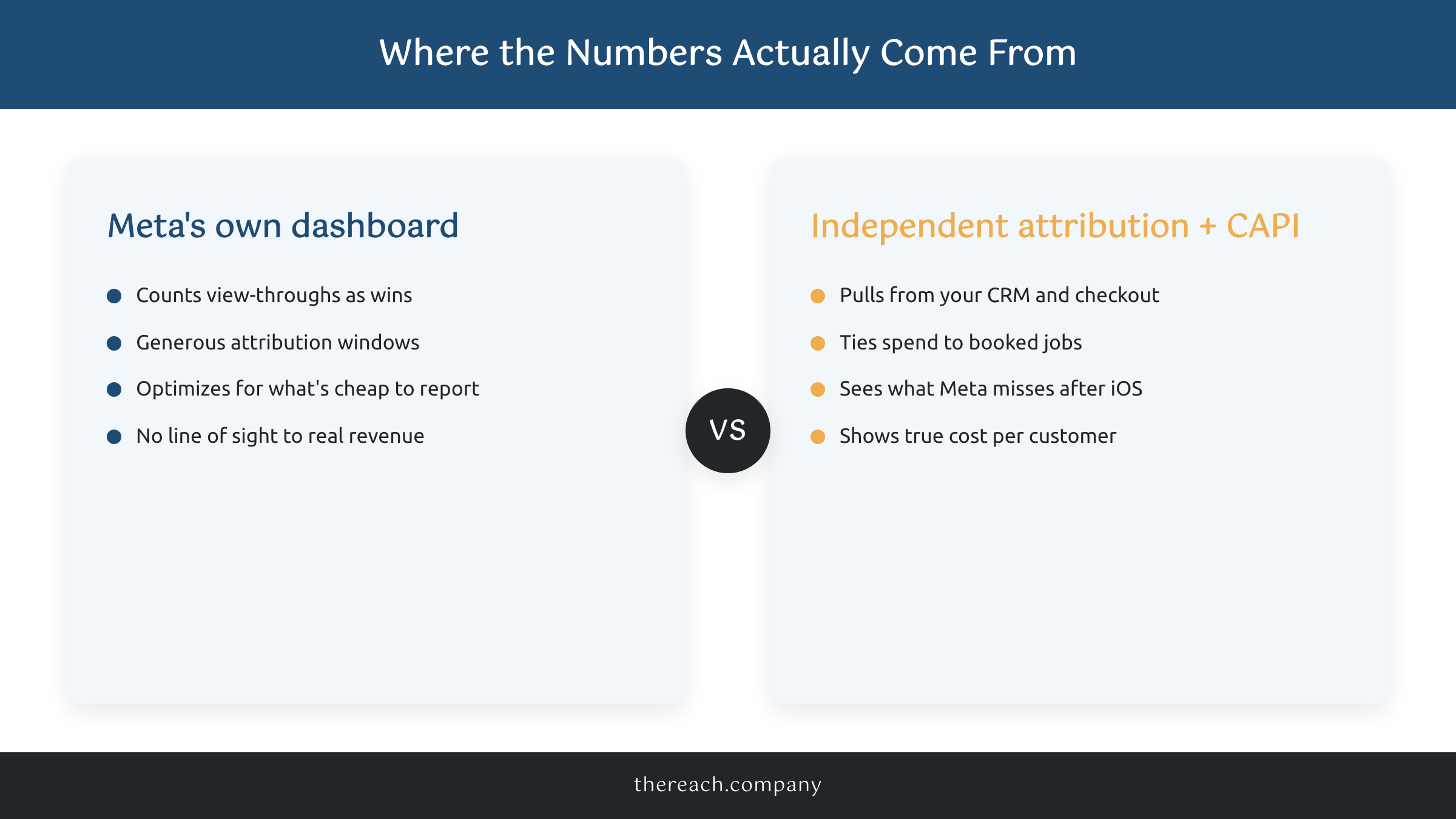
The Conversions API (CAPI) is non-optional in 2026. iOS tracking changes broke the pixel for a chunk of your audience years ago. If you're not sending server-side events back to Meta through CAPI, you're optimizing on incomplete data. Tools that make this manageable for small business: Stape for server-side tagging, Zapier's Meta CAPI integration for CRM-to-Meta event push, or your ecom platform's native CAPI (Shopify and WooCommerce both have it built in now).
Guardrail #3: Make Advantage+ Audience Earn It Before You Trust It
Meta's Advantage+ Audience is the feature that says: "Don't bother choosing an audience. Our AI will find your buyers."
On small budgets, that's a lie of omission. On a $50/day budget, the AI doesn't have enough volume to find your buyers in any reasonable time. It will spread your money across a wide audience and call it "exploration." You'll call it "my Q2 ad spend with nothing to show for it."
The guardrail: don't let Advantage+ Audience run wide on a cold campaign. Use audience suggestions as a starting point – interests, lookalikes from your customer list, your remarketing audience – and let Advantage+ expand from there. In Meta's terms, that's "Advantage+ Audience with audience suggestions" rather than "no audience suggestions."
If you have a customer list with at least 1,000 names, upload it and build a 1% lookalike. That's your seed. Then layer Advantage+ on top.
If you don't have 1,000 names yet, your problem isn't audience targeting. Your problem is that you need more customers, which is exactly what got you on Facebook Ads in the first place. In that case: tighten your audience manually for the first 30 days – by zip code radius, by interest, by behavior – until you've built up a custom audience pool worth using.
This is the difference between "letting AI run your ads" and "using AI on your ads." The first one is what Meta wants you to do. The second one is what works.
The AI Tools I Actually Layer on Top of Meta
Meta's AI is one player. The AI tools I run on top of Meta are doing different jobs:
- Triple Whale or Northbeam for attribution. Meta's reporting is famously generous to Meta. These tools pull data from your store, your ad accounts, and your CRM, then show you what's actually driving revenue. Triple Whale starts around $129/month; Northbeam is more expensive but better for higher-spend accounts.
- AdCreative.ai or Pencil (now Genius by Brandtech) for variant generation. Feed it your brand and best-performing ads, get 20 creative variants in an hour. You still write the angles yourself. The AI just speeds up the production.
- Motion for creative performance reporting. It tags every ad creative with the elements that performed (hook type, format, call-to-action) so you stop guessing what to make next.
- ChatGPT (with the right prompts) for ad copy stress-testing. Paste your ad copy and ask it to point out the three most likely reasons the ad isn't converting. Free, fast, and it'll often catch stuff your eyes have stopped seeing.
None of those tools replace strategy. They make strategy faster. The strategy is still: a clear offer, a real audience, and a measurable conversion event.
The Move
If you take one thing from this post, take this: Meta's AI is not on your side. It's not on Meta's side either. It's on the algorithm's side, and the algorithm's job is to spend your daily budget by the end of the day.
The guardrails – capped daily budget, deep conversion event, contained Advantage+ Audience – are how you make Meta's AI work for you instead of around you. The AI tools you layer on top are how you catch waste before your monthly report does.
If you're already running Meta Ads and you're not sure whether you've got the guardrails right, that's the kind of thing a 30-minute audit catches in five.
Want me to look at your Meta Ads account? Grab a free audit slot below. I'll tell you what's working, what's wasting money, and what to do about it. No pitch – just a straight read on your account.

